Speed · upload · always-on homes
What Broadband Speed Do I Need
Chatbots, cloud backups and a 4K television do not each need a gigabit. They need the line to hold every job at once, in both directions. Count the busy minute, then check the written estimate for your address.
The quick answer
The broadband speed you need is the speed that still holds every simultaneous job in the house, including upload. Ofcom says superfast (30 to 300 Mbit/s) suits most everyday use, and 300 Mbit/s for several Ultra HD streams. Netflix asks for 15 Mbps per 4K stream; Zoom 1080p wants 3.8 Mbps up. Cloud backups and always-on AI clients compete for upload. Compare the written estimate and minimum guarantee for your address, not a national average.
Key takeaways
- Ofcom’s consumer bands are up to 30 Mbit/s for basic use, 30 to 300 Mbit/s for most everyday homes, and 300 Mbit/s or more when several people stream Ultra HD, game or download large files.
- Size the line to overlapping jobs. Netflix 15 Mbps per 4K stream and Zoom 3.8 Mbps up for 1080p are per activity, not a household package.
- 100 Mbps is enough for many 2026 homes if evening speed and upload hold. 300 Mbps is the comfortable four-person size. 500 Mbps is rarely the first upgrade.
- Cloud backups and video calls are upload jobs. FTTC often advertises a healthy download with a much smaller upload. Full fibre is the usual fix.
- AI chat itself is a small request. Always-on clients, file uploads and generated video compete with the rest of the house. No major AI lab publishes a UK household megabit figure we can cite.
What Ofcom actually says you need
Start with the regulator, not a shop-window gigabit. Ofcom’s choosing-broadband guide, last updated 25 August 2026, puts UK packages in three bands:
- Standard: up to 30 Mbit/s, enough for basic browsing, email and standard video.
- Superfast: 30 to 300 Mbit/s, which “suits most everyday use, such as working from home, video calls and streaming.”
- Ultrafast: 300 Mbit/s or more, better if several people are online at once, or you stream a lot of video, play games online or download large files.
The same page publishes a rough activity guide: about 1 Mbit/s for web browsing and music, 10 Mbit/s for a high-definition video call, 30 Mbit/s for one person streaming Ultra HD, and 300 Mbit/s when several people stream Ultra HD at once. Those are planning numbers, not a promise that your cabinet will hold them at 8pm.
The legal floor is lower still. The broadband universal service obligation is a right to request at least 10 Mbit/s down and 1 Mbit/s up, subject to eligibility and cost. That is decent broadband, not a 4K household.
Count the busy minute, not the brochure
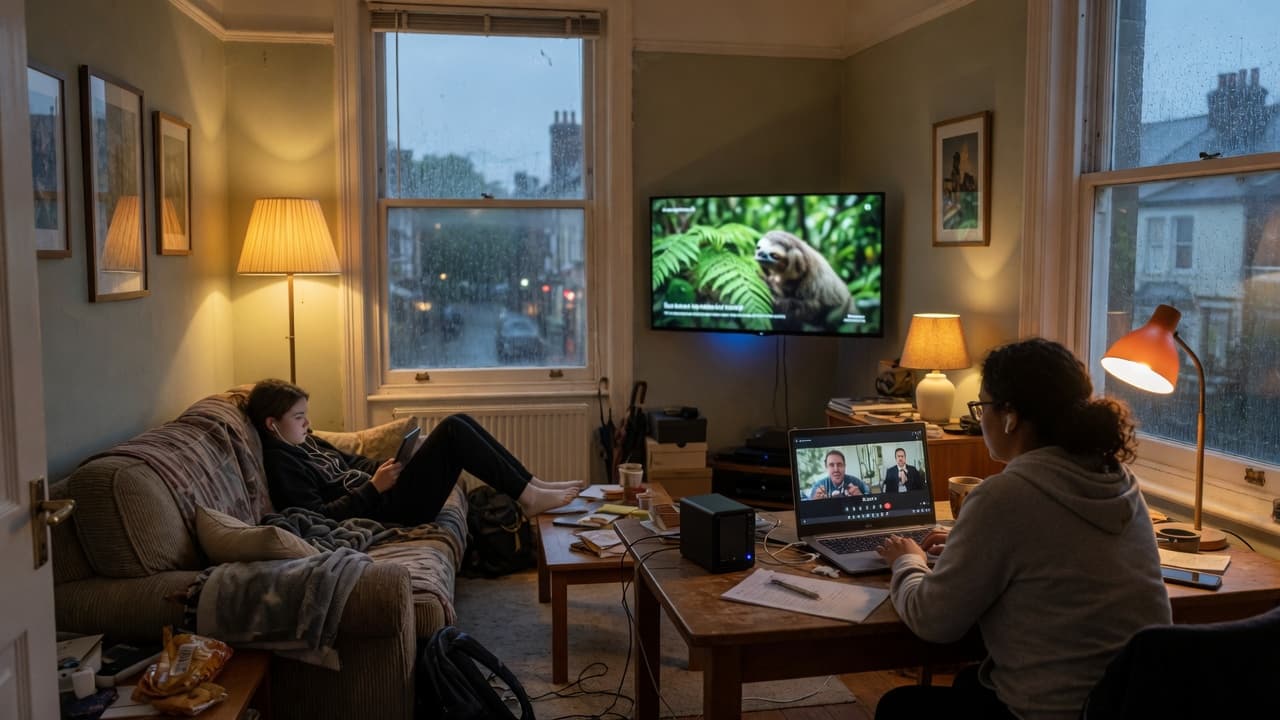
App minimums are per stream or per call. A house is not one stream. Add the jobs that actually overlap: a 4K television, a laptop on a call, a phone uploading photos, a console patch, a cloud backup. Then leave headroom, because Wi-Fi and evening congestion eat some of the number you pay for.
| Activity | Official figure | Source |
|---|---|---|
| Browsing and music | About 1 Mbit/s | Ofcom choosing-broadband guide |
| HD video call | About 10 Mbit/s (Ofcom planning figure) | Ofcom choosing-broadband guide |
| Zoom 720p group call | 2.6 Mbps up / 1.8 Mbps down | Zoom system requirements |
| Zoom 1080p | 3.8 Mbps up / 3.0 Mbps down | Zoom HD video article |
| Microsoft Teams HD video | Under 1.5 Mbps typical; recommended up to 1.5 to 4 Mbps per endpoint | Microsoft Learn, prepare the network |
| One Ultra HD stream | About 30 Mbit/s (Ofcom); Netflix 15 Mbps; Disney+ 25 Mbps 4K | Ofcom, Netflix, Disney+ |
| Several Ultra HD streams | About 300 Mbit/s | Ofcom choosing-broadband guide |
For 4K football and multi-room television, use the streaming guide. For ping and downloads, see gaming broadband and the GTA 6 launch note. This page is the household total.
Is 100, 150, 300 or 500 Mbps enough?
| If this is your house | Starting speed to compare | Watch for |
|---|---|---|
| One or two people, browsing and HD video | 30 to 50 Mbps superfast | Ofcom’s standard band tops out at 30 Mbit/s |
| One 4K TV, light working from home | 50 to 100 Mbps | Netflix 15 Mbps; Zoom 1080p is 3.8 Mbps up |
| Two people, mixed streaming and calls | 100 to 150 Mbps | Upload on FTTC, not only the download sticker |
| Four people, 4K, homework and a console | 150 to 300 Mbps full fibre | Ofcom’s several-UHD figure is 300 Mbit/s |
| Heavy files, many 4K screens, always-on backup | 300 Mbps or gigabit full fibre | Symmetrical upload matters more than 900 Mbps down |
Ofcom’s Connected Nations 2025 put the UK average maximum download speed at 285 Mbit/s in July 2025, up from 223 Mbit/s in 2024. That is the average of maximum speeds on active lines, not a speed test in your lounge. Do not buy 500 Mbps because the national headline is 285.
Upload is the 2026 bottleneck
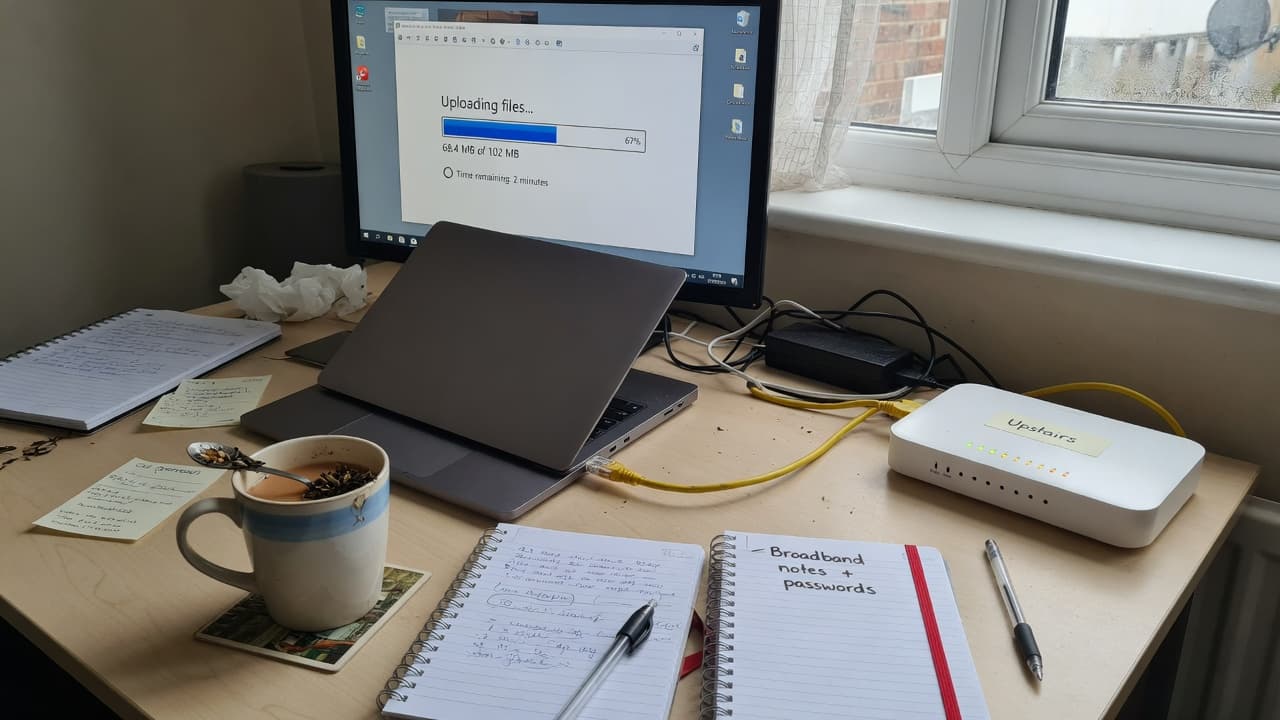
Video calls and cloud copies travel up the line. Zoom’s system requirements ask for 1.2 Mbps up and down for 720p one-to-one, and 3.8 Mbps up / 3.0 Mbps down for 1080p. Microsoft’s Teams network note says the product can deliver HD in under 1.5 Mbps, with recommended video around 1.5 Mbps one-to-one and up to 4 Mbps for best-performance meetings, per endpoint.
Those calls are small. They still fail when a backup, a photo library or a second call takes the upload. Part-fibre FTTC often advertises a healthy download with a much smaller upload. Full fibre is the usual fix because upload can match download. See full fibre explained and broadband for working from home.
Cloud backup is the same physics. Apple, Google and Microsoft do not publish a megabit minimum for iCloud, Google Drive or OneDrive on a home line. The first copy of a laptop is limited by upload. We do not pick a “best” or “cheapest” backup brand here, and we do not currently earn a commission on those products. If you already pay for storage that covers the files, use it. If the first backup will run for hours, start it overnight rather than during a meeting.
AI tools, cloud clients and always-on households
A text chat with an AI assistant is a small request. It is not a reason to buy gigabit. What competes with the rest of the house is everything around it: uploading PDFs or photos, downloading a generated video, leaving a desktop client signed in, and running a backup at the same time as a call. None of the major AI labs publishes a UK household megabit figure we can cite, so we will not invent one.
Treat always-on clients like any other background job. If the line is already tight at 8pm, pause the backup, plug the work laptop into Ethernet, and fix Wi-Fi dead spots before you pay for a faster tier. A new Wi-Fi 7 phone still cannot raise the speed coming into the house. That is the point of our Wi-Fi 7 guide.
The house, the smart TV and the office
“What speed do I need for my house?” is the same question as this page: add the overlapping jobs. A smart TV is one 4K stream if you actually watch in 4K, or about 5 Mbps if the app stays in Full HD. Netflix, Disney+ and YouTube figures live in the streaming guide. Gaming cares more about ping than a 500 Mbps sticker. Homework and streaming in the same hour is why 50 Mbps that looked fine for one person can feel small for four.
If you would rather answer a few questions than add megabits by hand, use Broadband Match. For how advertised averages, medians and evening cabinets differ, keep broadband speeds explained open in another tab.
Full-fibre deals to compare, not a speed-test special
These are ordinary broadband packages. None of them is a cloud-backup or AI subscription. We may earn a commission if you sign up through Get Deal.
We may earn a commission when you click a “Get Deal” button. This does not affect our editorial independence.
- Best Value

- Speed
- 150 Mbps
- Monthly price
- £12.50/mo
- Contract
- 12 months
- Setup
- Free

- Speed
- 35 Mbps
- Monthly price
- £18.50/mo
- Contract
- 12 months
- Setup
- £4.95
- Fastest

- Speed
- 300 Mbps
- Monthly price
- £19.00/mo
- Contract
- 18 months
- Setup
- Free
- Speed
- 150 Mbps
- Monthly price
- £19.50/mo
- Contract
- 18 months
- Setup
- Free
| Provider | Speed | Monthly price | Contract | Setup | Affiliate link |
|---|---|---|---|---|---|
| 150 Mbps Superfast | £12.50/mo | 12 months | Free | |
| 35 Mbps Superfast | £18.50/mo | 12 months | £4.95 | |
| 300 Mbps Ultrafast | £19.00/mo | 18 months | Free | |
| 150 Mbps Superfast | £19.50/mo | 18 months | Free |
How to check before you upgrade
- Run our speed test beside the router, then in the problem room. Record download, upload and ping.
- Repeat once in a quiet hour and once in the evening.
- Compare the result with the provider’s written estimate and minimum guaranteed speed. Ofcom’s speed-code guidance covers what to do if the line stays below that minimum.
- If Ethernet is slow, compare full fibre at the address. If Ethernet is fine, fix Wi-Fi before buying a faster package.
As of January 2026 Ofcom’s Connected Nations Spring 2026 update put full fibre at 24.9 million UK homes, 82 per cent, and gigabit-capable broadband at 89 per cent. Availability is not the same as the speed you should pay for.
A simple order of operations
- Count 4K streams, calls and backups that overlap.
- Test download and upload at the busy time.
- If upload or evening speed is the limit, compare full fibre.
- If only one room is slow, fix Wi-Fi before changing package.
Broadband speed FAQs
Sources
- Ofcom: choose the right broadband, speed bands and activity guide, updated 25 August 2026
- Ofcom: Connected Nations 2025, average maximum download 285 Mbit/s
- Ofcom: Connected Nations Spring 2026, 82% full fibre, 89% gigabit
- Ofcom: broadband universal service obligation, 10 Mbit/s down and 1 Mbit/s up
- Ofcom: what to do if you are not getting the speed you paid for
- Zoom: system requirements, 720p and 1080p bandwidth
- Zoom: HD video bandwidth, 1080p 3.8 Mbps up
- Microsoft Learn: prepare the network for Teams, HD under 1.5 Mbps
- Netflix: recommended internet speeds, 4K 15 Mbps
- Disney+: 5 Mbps HD, 8 Mbps live, 25 Mbps 4K UHD
- BroadbandPicker review methodology