iPhone week · Wi-Fi 7
Wi-Fi 7 Explained UK
Apple just put Wi-Fi 7 in iPhone Duo. The radio is faster. The Openreach cabinet is not. Test the line, then decide whether the router, the mesh or the contract is the thing that actually needs replacing.
The quick answer
Wi-Fi 7 is IEEE 802.11be. It can move data faster between a compatible phone and router, but it cannot raise the speed of the broadband coming into the house. Apple’s N1 chip enables Wi-Fi 7 on iPhone 17, iPhone 18 Pro and the new iPhone Duo. Upgrade the wireless kit if gigabit fibre and new devices are already the bottleneck. Keep Wi-Fi 6 if the line is slower and the current signal already holds up.
Key takeaways
- Wi-Fi 7 adds Multi-Link Operation, wider channels up to 320MHz and 4K-QAM, but the router and client device must support the relevant feature.
- Apple’s N1 chip enables Wi-Fi 7 on iPhone 17, iPhone 18 Pro and iPhone Duo. A new phone still cannot make a copper line faster.
- A Wi-Fi 7 router cannot exceed your broadband package speed and will not turn an older phone or laptop into a Wi-Fi 7 device.
- Upgrade first for multi-gigabit broadband, fast local transfers, congested wireless use or when replacing an old router anyway.
- Check 6GHz support and 2.5Gbps or faster Ethernet ports rather than assuming every product labelled Wi-Fi 7 has the same capability.
iPhone Duo, iOS 27 and Apple’s N1 chip
This week’s search spike is not a mystery. On 9 September 2026 Apple unveiled iPhone Duo, its first foldable iPhone, with a 7.6-inch inner display and a 5.4-inch outer display. The UK is on the list of more than 70 countries that can pre-order from 16 October, with availability from 23 October. Apple listed a US starting price of $1,999. Check apple.com/uk for the sterling figure rather than converting the dollar number yourself.
The wireless detail that matters here is short. Apple says the N1 chip enables Wi-Fi 7, Bluetooth 6 and Thread. The same N1 line appeared on iPhone 17 in September 2025 and on iPhone 18 Pro in September 2026. Apple Support’s Wi-Fi 7 list, updated 25 August 2026, says full Wi-Fi 7 features start at iPhone 16 Pro and later, excluding iPhone 16e and iPhone 17e, and that 6GHz operation depends on the country.
iOS 27 began rolling out on 14 September 2026. Apple says iPhone Duo ships with iOS 27.1. None of that software changes the physics of a copper cabinet. A foldable screen wants a stable home network for 4K streaming and Split View. Size that job in our broadband for streaming guide. The radio in the phone is only half the pair.

What Wi-Fi 7 actually is
Wi-Fi 7 is the consumer name for IEEE 802.11be. On 8 January 2024 the Wi-Fi Alliance opened Wi-Fi CERTIFIED 7so products could be tested for interoperability. The programme highlights 320 MHz channels in countries that open 6GHz, Multi-Link Operation, and 4K-QAM, which it says can raise transmission rates by 20 per cent compared with 1024-QAM.
Those are radio features between a hub and a client. They are not a faster Openreach order. The 46 Gbps figure you see on boxes is a theoretical maximum across an extreme implementation, not the speed one iPhone will pull from the internet. Intel’s feature comparison and RTINGS’ Wi-Fi 6 versus 7 note are useful for the radio side. Your contract still sets the ceiling from the street.
| Feature | Wi-Fi 6 | Wi-Fi 6E | Wi-Fi 7 |
|---|---|---|---|
| IEEE name | 802.11ax | 802.11ax | 802.11be |
| Bands | 2.4GHz and 5GHz | 2.4GHz, 5GHz and 6GHz | 2.4GHz, 5GHz and 6GHz on tri-band kit |
| Maximum channel width | 160MHz | 160MHz | 320MHz in 6GHz |
| Multi-Link Operation | No | No | Yes, on compatible router and client |
| Best fit | Most sub-gigabit homes | Extra short-range 6GHz capacity | Multi-gigabit and busy local networks |
Multi-Link Operation, 320MHz and 4K-QAM
Older generations usually hold one main wireless link at a time. MLO lets compatible kit coordinate more than one band or channel, which can help large local transfers, cloud gaming and video calls. 320 MHz channels live in 6GHz and are twice the width of Wi-Fi 6. 4K-QAM packs more data into a strong, clean signal, so the gain is most plausible near the router, not through three brick walls. The phone and the hub both have to speak the same feature.
Is Wi-Fi 7 worth it?
Put it on the shortlist when you are replacing a dying hub, you already pay for 1 Gbps or more, you move large files around the house, or several new Wi-Fi 7 devices sit in the same rooms. In those cases buy tri-band hardware with 6GHz and at least 2.5 Gbps WAN and LAN ports so the Ethernet socket is not the joke.
Wait if Wi-Fi 6 already delivers the speed you pay for in the rooms that matter, most devices are older, or the broadband package is below about 500 Mbps. Fix dead spots before you buy a generation. Six-gigahertz signals do not walk through walls better than 5GHz. They offer extra capacity at short range.
| Your position | Starting recommendation | Check before spending |
|---|---|---|
| 100 to 500 Mbps; Wi-Fi 6 works | Keep Wi-Fi 6 | Test beside the router and in the weak room |
| Gigabit fibre; iPhone 17, 18 Pro or Duo | Consider tri-band Wi-Fi 7 | 6GHz, MLO and 2.5Gbps ports |
| Multi-gigabit or a fast home server | Wi-Fi 7 can help locally | WAN, LAN, switch, cabling and client limits |
| Dead zones behind thick walls | Solve coverage first | Placement, wired access points or mesh backhaul |
| Old router needs replacing anyway | Compare strong Wi-Fi 6 as well | Firmware support and returns policy |
Broadband first, then the radio
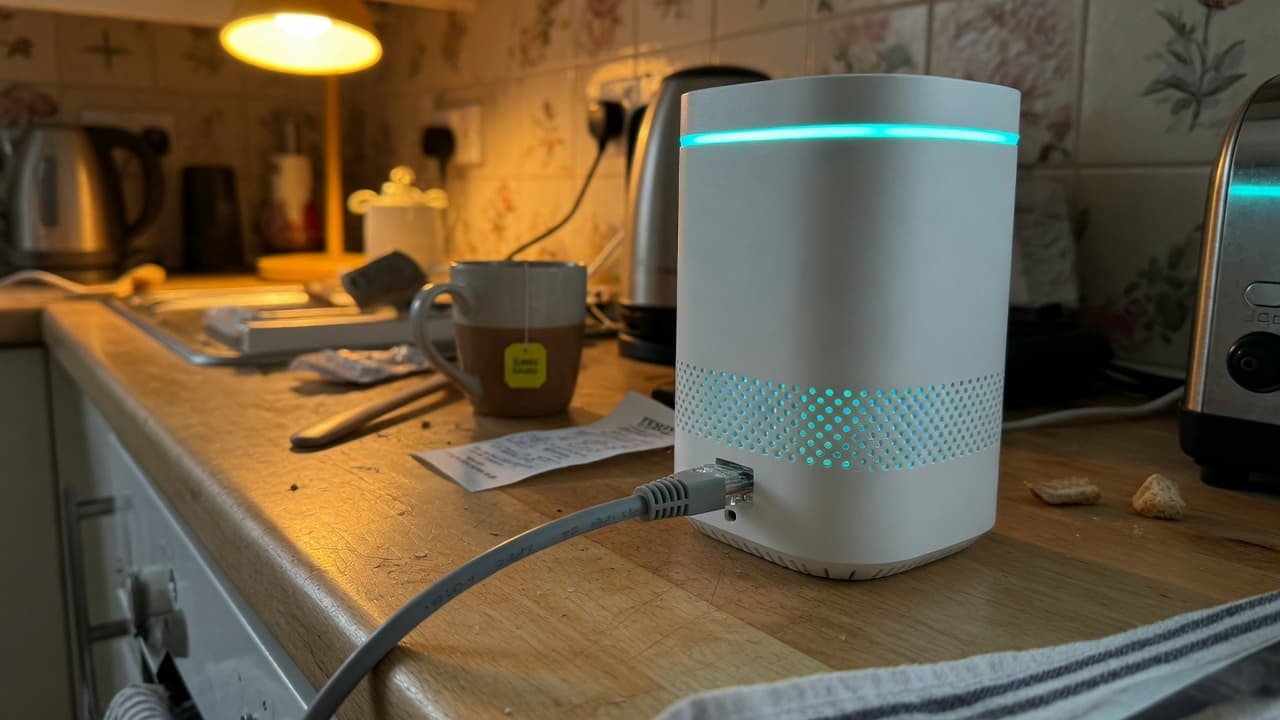
There is no minimum broadband speed for Wi-Fi 7. The upgrade is simply easier to justify on gigabit or multi-gigabit full fibre. A 100 Mbps package remains about 100 Mbps from the internet even if the phone reports several gigabits to the hub. Run a wired speed test and compare it with what broadband speed you need and how advertised speeds work. If Ethernet is slow, look at the line or the contract, not the mesh.
If you are still on copper FTTC, full fibre will change more than a new iPhone. Compare an address-specific deal, then the wireless kit. Ofcom’s choosing-broadband advice is still the right order.
Full-fibre deals to compare, not a Wi-Fi 7 special
These are ordinary broadband packages. None of them is an Apple product. We may earn a commission if you sign up through Get Deal. We do not currently earn a commission on routers or iPhones.
We may earn a commission when you click a “Get Deal” button. This does not affect our editorial independence.
- Best Value

- Speed
- 150 Mbps
- Monthly price
- £12.50/mo
- Contract
- 12 months
- Setup
- Free

- Speed
- 35 Mbps
- Monthly price
- £18.50/mo
- Contract
- 12 months
- Setup
- £4.95
- Fastest

- Speed
- 300 Mbps
- Monthly price
- £19.00/mo
- Contract
- 18 months
- Setup
- Free

- Speed
- 150 Mbps
- Monthly price
- £19.50/mo
- Contract
- 18 months
- Setup
- Free
| Provider | Speed | Monthly price | Contract | Setup | Affiliate link |
|---|---|---|---|---|---|
| 150 Mbps Superfast | £12.50/mo | 12 months | Free | |
| 35 Mbps Superfast | £18.50/mo | 12 months | £4.95 | |
| 300 Mbps Ultrafast | £19.00/mo | 18 months | Free | |
| 150 Mbps Superfast | £19.50/mo | 18 months | Free |
UK 6GHz, EE hubs and replacing the ISP router
Ofcom opened the lower 6GHz band for licence-exempt Wi-Fi. UK channels and power are not a photocopy of the US rules, so buy a UK-market model. Apple’s own support note says 6GHz Wi-Fi 7 features only work where the regulator allows them.
EE explains Wi-Fi 7 Smart Hubs on selected packages. The package name is not a promise that every connected device can use MLO. If you replace the ISP hub, read how to swap a provider router without killing voice or TV. Access-point mode is often safer when the login or digital phone has to stay on the original box.
What to buy, and what we do not sell
- Bands: dual-band versus tri-band, and whether 6GHz is actually present.
- Ports: 2.5 Gbps or faster on the sockets you will use.
- Clients: the exact phone and laptop spec, not the year you bought them.
- Layout: one router, mesh with Ethernet backhaul, or a wired access point. See our mesh buying guide.
- Support: firmware updates, warranty and a retailer that will take the box back.
Currys, Amazon, TP-Link, Netgear and similar shops sell the hardware. We do not currently take a commission on those sales. If we later join those Awin programmes, the disclosure on this page will change. Until then the useful click is still an address-specific broadband check, because a Wi-Fi 7 badge on a 40 Mbps line is theatre.
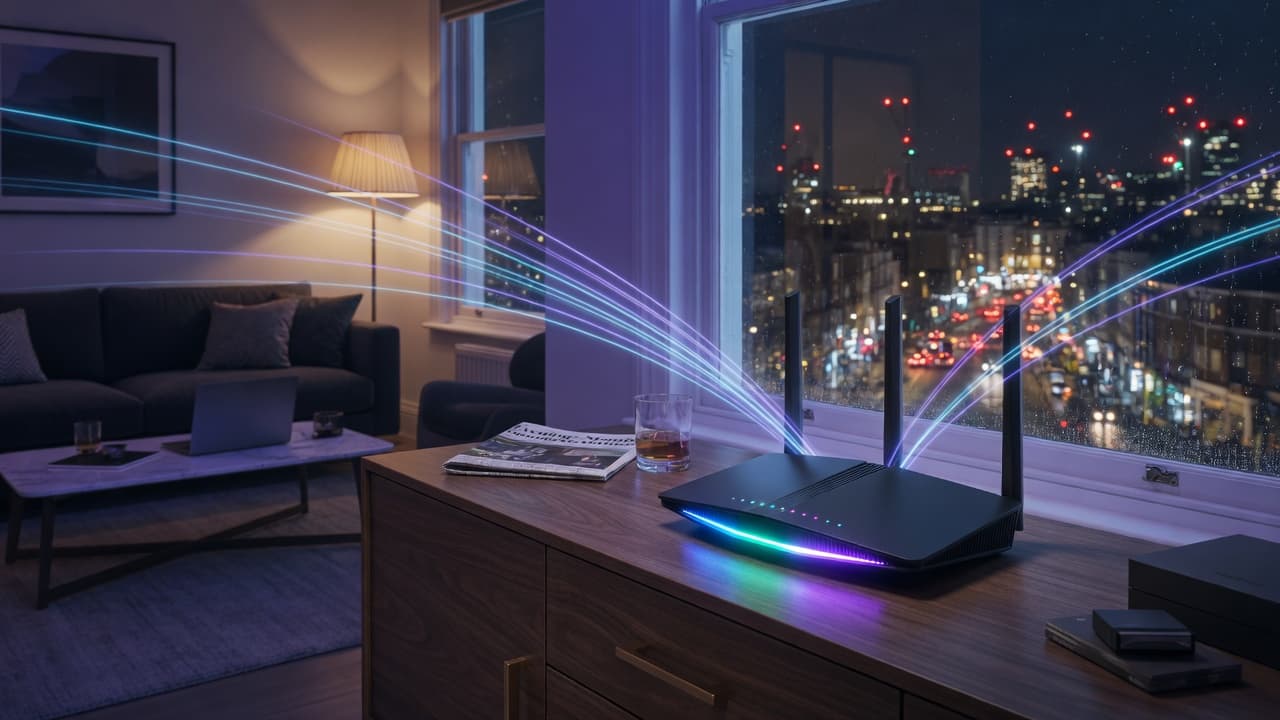
Official product pages worth bookmarking: the Wi-Fi Alliance CERTIFIED 7 announcement, Apple’s iPhone Duo page and Ofcom’s home Wi-Fi tips. The banner on this page is original BroadbandPicker artwork, not Apple or EE photography.
A simple order of operations
- Test beside the router, then in the weak room.
- If Ethernet is slow, compare full fibre at the address.
- If Ethernet is fine, move the hub or add wired backhaul.
- Only then spend on Wi-Fi 7, once the phones you own can use it.
Wi-Fi 7 FAQs
Sources
- Intel Wi-Fi 7 feature comparison, 320MHz channels, 4K-QAM and MLO, verified 11 September 2026
- Ofcom statement on UK access to the lower 6GHz band, verified 11 September 2026
- Ofcom guidance on improving home Wi-Fi performance, verified 11 September 2026
- EE UK explanation of Wi-Fi 7 routers and compatibility, verified 11 September 2026
- RTINGS independent Wi-Fi 6 vs Wi-Fi 7 feature comparison, verified 11 September 2026
- CHOICE decision guide to Wi-Fi 6, 6E and 7, verified 11 September 2026
- Wi-Fi Alliance: Wi-Fi CERTIFIED 7, 8 January 2024
- Apple: iPhone Duo, N1 chip and Wi-Fi 7, 9 September 2026
- Apple: iPhone 17 introduces N1 and Wi-Fi 7, 9 September 2025
- Apple: iPhone 18 Pro N1 and Wi-Fi 7, 9 September 2026
- Apple Support: Wi-Fi 7 availability on Apple devices, 25 August 2026
- Apple: iOS 27 available, 14 September 2026
- BroadbandPicker review methodology